
How to make a QR code with a logo for free
A branded code with your logo in the centre scans just as reliably as a black-and-white one. A step-by-step guide, print sizes and the mistakes that stop a code from scanning.
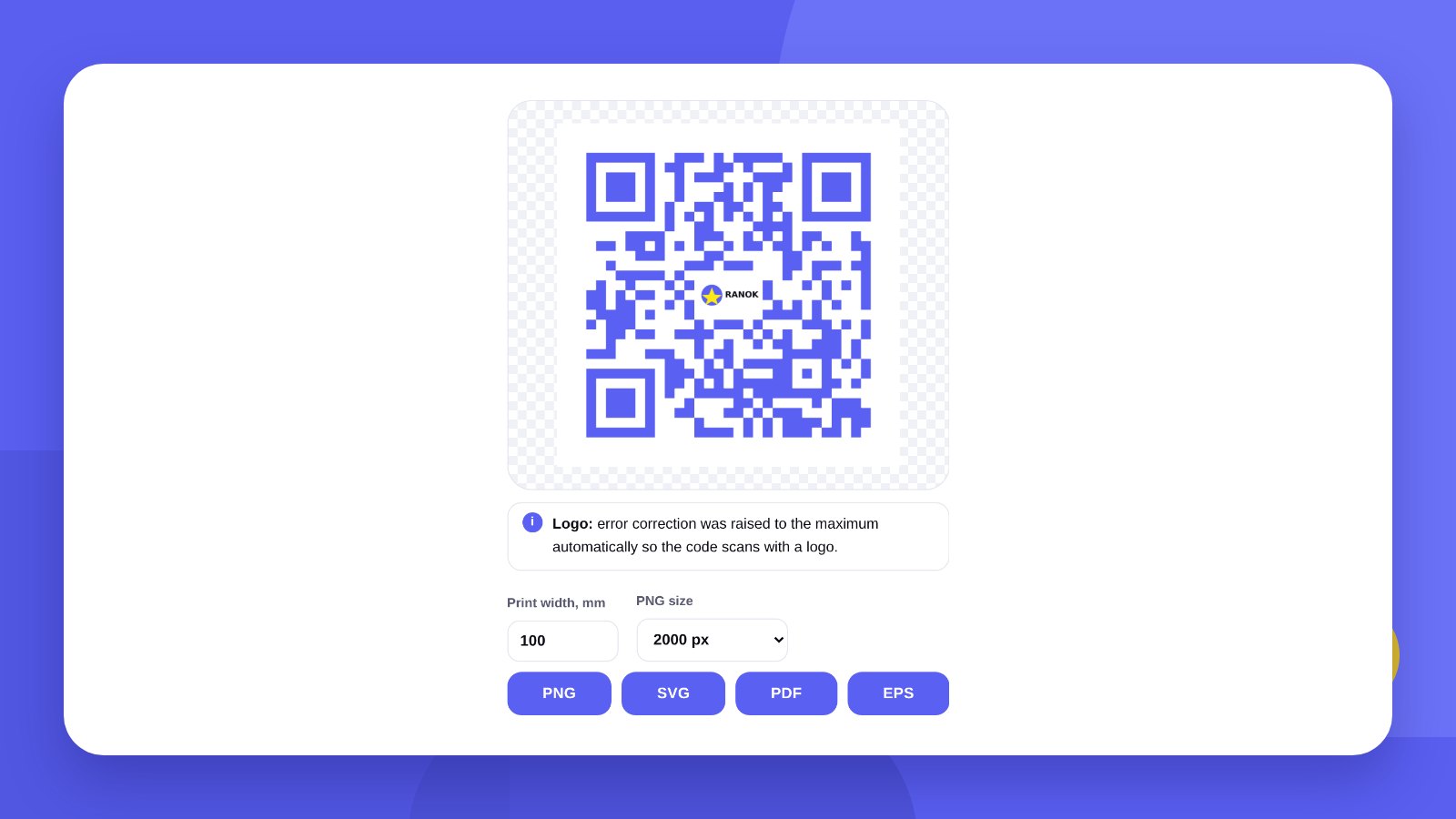
QR codes are part of daily life: a café menu, Google reviews, booking an appointment, guest Wi-Fi. But the standard black-and-white square looks out of place on a well-designed business card or shop window. A code can be styled to match the brand – with the logo in the centre and brand colours – and stay just as reliable.
Most online generators charge for a vector file, for removing their own logo, or for a “dynamic” code on a subscription. For most small-business tasks that is unnecessary: a static code that works indefinitely is enough.
- A static QR code is free and never expires: the content is written into the code itself.
- A logo can sit in the centre if high error correction is switched on.
- For print you need vector (SVG, PDF or EPS) and a size of at least 2 × 2 cm.
How-toHow to make a QR code with a logo: 5 steps
- Open the generatorGo to the free QR code generator. No sign-up is needed.
- Choose what to encodeA link to a website or menu, an Instagram profile, a phone number, Wi-Fi, a contact card or text.
- Set the brand coloursThe code should be dark and the background light. A gradient is fine if both colours are dark.
- Add the logoBest of all a PNG on a transparent background, or an SVG. The tool clears the modules under the logo itself.
- Download the filePNG for screens and social media; SVG, PDF or EPS for the print shop.
PrintWhat size and format you need
The main rule: the further away a person stands, the larger the code must be. Work with a ratio of 1 to 10: a 3 cm code scans confidently from 30 cm.
| Where it goes | Minimum size | File format |
|---|---|---|
| Business card, sticker | 2 × 2 cm | PDF or SVG |
| Menu, table tent | 3 × 3 cm | PDF or SVG |
| A3 poster, shop window | 8 × 8 cm | PDF or EPS |
| Banner, sign | from 20 cm | EPS or PDF |
| Website, social media | from 600 px | PNG |
MistakesWhy a QR code does not scan
Not enough contrast. A camera will not read a light-grey code on white or a yellow one on beige. A dark code on a light background is the most reliable option.
The logo is too big. The logo covers part of the data. If it takes up more than a third of the code, even high error correction will not save it.
No quiet zone. There must be an empty margin at least four modules wide around the code. Text or a frame right against it gets in the way of scanning.
A long link. The longer the address, the smaller the modules. First shorten the link – the code becomes simpler.
HonestlyThe code is ready. What about the thing it sits on?
The tool makes the QR code itself. But what works is not the code, it is what surrounds it: a clear caption, a visible spot, a layout in which the code does not get lost. A table sign, a door sticker, a menu or a business card with your code in your brand style is what we design – and we hand over a file the print shop accepts without corrections. Details are on the print design page.
Before printing a run, always scan the code with two different phones. A printed static code cannot be changed.
ChoiceStatic or dynamic QR code: which to choose
All QR codes fall into two kinds, and this is where generators most often charge money.
A static code holds the link right in the pattern. It needs no intermediary service: the camera reads the address and opens it straight away. Such a code cannot “expire” or be “switched off”, because there is nothing to switch off.
A dynamic code leads to the service’s address, which then redirects to your page. That gives scan statistics and lets you change the link after printing. But the code works only while you pay the subscription: if payment stops, the printed run stops opening.
| Static | Dynamic | |
|---|---|---|
| Price | Free | Usually a subscription |
| Lifetime | Unlimited | While the service is paid for |
| Change the link after printing | No | Yes |
| Scan statistics | Through tags in the link | Built in |
| Dependence on a third-party service | None | Complete |
For a menu, business card, sign, packaging or sticker a static code is enough. To keep the option of changing the address, point the code not at a social media page but at a page on your own website: you can change its content any time, and the code stays the same.
IdeasWhere a business needs a QR code
- Menu and price listA code on the table, in the window or by the till leads to the current menu. Prices change on the website and nothing has to be reprinted.
- ReviewsA “Leave a review” sticker by the till with a link to the Google Maps review form brings many more reviews: a person does not have to search for anything.
- Booking and ordersA code on a specialist’s business card leads straight to online booking or a messenger.
- Guest Wi-FiA guest points the camera and connects without anyone spelling out the password.
- PackagingInstructions, ingredients, a product video or a reorder page.
- Outdoor advertisingShop window, pavement sign, vehicle. Here the code must be large: it is scanned from several metres.
TechnicalWhat error correction is and why it matters
Every QR code carries redundant data: if part of the code gets dirty, scratched or covered by a logo, the rest is enough to restore the content. There are four levels.
| Level | How much of the code can be lost | When to use |
|---|---|---|
| L | up to 7 % | A clean code without a logo on a screen |
| M | up to 15 % | Ordinary print without a logo |
| Q | up to 25 % | A small logo, stickers |
| H | up to 30 % | Logo in the centre, outdoors, packaging |
The higher the level, the more modules in the code and the smaller they get. So the rule is simple: with a logo – high error correction and a slightly larger print size; without a logo – medium correction and a simpler code.
ChecklistHow to check a code before printing
- Scan with two phonesOne iPhone and one Android, with the built-in camera. Third-party apps read better, but customers do not use them.
- Print at real sizeOn an ordinary printer at 100 % scale. A code reads better from a screen than from paper.
- Check from working distanceScan a window code from the pavement and a menu code from a seat at the table.
- Open the link all the wayMake sure the page opens on a phone, without logging in and without an error.
- Add a caption“Menu”, “Leave a review”, “Book now”. A code without an explanation is scanned far less often.
FAQFAQ
Does a free QR code expire?
No. A static code works as long as the page it leads to works.
Can I change the link in a finished code?
Not in a static code. If the address may change, point the code at a page on your own website that you control.
What kind of logo works?
A PNG on a transparent background or an SVG. A simple mark reads better than long lettering.
Is a PNG good enough for a print shop?
For small stickers, yes, but vector is better: SVG, PDF or EPS scale without losing quality.
Can I make a QR code for Wi-Fi?
Yes. Choose the “Wi-Fi” type and enter the network name and password. A guest connects by pointing the camera at the code.
Can a QR code be coloured?
Yes, if the code is dark and the background is light. Some phones do not read a light code on a dark background, so on a dark surface put the code on a light panel.
How many scans can a free code handle?
Unlimited. A static code does not count scans and has no limits.
How do I find out how many people scanned the code?
Add a UTM tag to the link and look at the visits in your website statistics.
Can I put a QR code on a dark background?
Yes, but on a light panel with a quiet zone around it. The code itself should stay dark on light.
We will design the layout in your brand style and prepare it for print.
Make a QR codeOrder print designHigh quality
Years of experience let us take on projects of any complexity
Individual approach
Every client is unique. We create a unique concept for each of them
Professionals
Everyone on our team has extensive experience in advertising, development and design
Fast turnaround
Logo design takes 2–8 business days
GET IN TOUCH
Message us on Telegram, Instagram or by email – we reply quickly and gladly.