
2027 calendar: how to make your own and prepare it for print
A calendar with a logo stays with a client all year. Which kinds there are, what to put on the pages and how to get a file a print shop accepts in a few minutes.
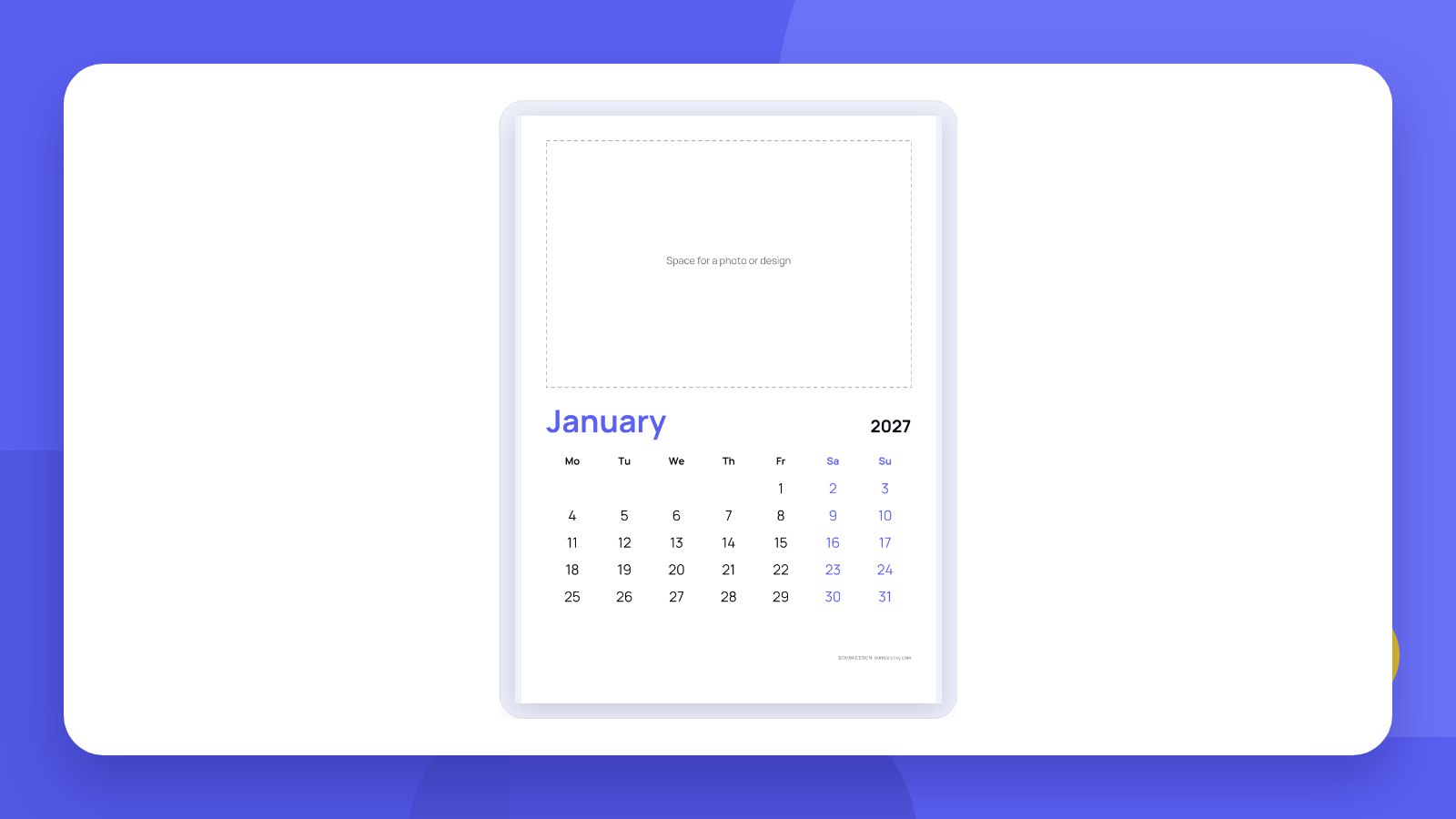
A calendar is one of the few advertising items people do not throw away. It hangs on a wall or stands on a desk and is looked at every day for a year. That is why companies order calendars with a logo for clients and partners, and craftspeople and small shops give them away with a purchase.
The date grid does not have to be drawn by hand. You can put it together online in a few minutes: choose the kind, the year, the font and colours, mark your dates and get a file for print.
- The calendar grid can be made for free and in vector straight away – PDF and SVG.
- Your own dates are added separately: birthdays, promotion dates, opening hours.
- Photos and artwork are added on top of the grid in an editor or handed to a designer.
KindsWhich kinds of calendar there are
| Kind | What it looks like | Used for |
|---|---|---|
| Wall, 12 pages | One month per page, space for a photo above | Office, home, a gift for clients |
| Year poster | All 12 months on one sheet | Production, warehouse, holiday planning |
| Desk “tent” | Small pages on a stand | A desk, a reception counter |
| Quarterly | Three months per page: previous, current, next | Accounting, logistics, sales |
| Monthly planner | Large cells for notes | Shift rota, appointments, plans |
| A card with the year on the back | Handouts at the till, an insert in an order |
How-toHow to make a calendar online: 5 steps
- Open the makerGo to the Calendar maker. No sign-up is needed.
- Choose the kind, size and yearSix kinds of calendar; the current year or the following ones. English or Ukrainian, week starting on Monday or Sunday.
- Set the lookFont, colours, highlighted weekends. You can leave space for a photo or design.
- Mark your datesEnter your own dates in the “DD.MM Name” format. Public holidays of Ukraine can be switched on with one tick.
- Download the filePDF with outlined text for the print shop, SVG for a designer or PNG for a preview.
DatesWhat to mark in a calendar
- Public holidaysAdd the holidays of your country as your own dates – they appear on the right pages.
- Company datesThe brand’s birthday, seasonal promotions, sales.
- Professional daysAccountant’s day, baker’s day, builder’s day – depending on who receives the calendar.
- Opening hoursDays the shop is closed, order deadlines before holidays.
- Personal datesFor a family calendar – birthdays and anniversaries.
Before printing a large run, check holiday dates against an official source: moveable holidays fall on different dates every year.
PrintFormats and materials for print
| Kind | Common size | Paper |
|---|---|---|
| Wall | A3 or A4 | Coated 150–200 gsm |
| Poster | A2 or A1 | Coated 150–200 gsm |
| Desk | about 210 × 100 mm | Board 250–300 gsm |
| 70 × 100 mm | Board 300 gsm with lamination |
Sizes and paper differ between print shops – check before ordering. The maker adds 3 mm bleed and crop marks: extra background so that no white strips appear at the edges. More in the article how to prepare a file for print.
Which file to choose. PDF with outlined text is the finished file for the print shop: the text is converted to outlines and the font cannot go missing. SVG with live text is for a designer who will add photos and artwork: the dates stay as text and can be edited.
HonestlyThe tool makes the grid. We design the calendar
The maker builds the calendar grid: dates, your marks, font and colours. A small BOMBA DESIGN line with the site address sits at the bottom of the pages. The tool does not add photos, illustrations or brand artwork.
A calendar people want to hang on the wall is an idea, a series of images and one style across all twelve pages. A unique calendar in your brand style can be ordered from us: print design.
Order calendars in October or November. In December print shops are busy, and a calendar given in January loses a month of work.
FAQFAQ
Is the calendar maker free?
Yes. No sign-up, and every file is free to download.
Which formats can I download?
PDF with outlined text, SVG with outlined text, SVG with live text, and PNG.
Can I add my own dates?
Yes. Enter them in the “DD.MM Name” format and they appear on the right pages.
Which languages are available?
English and Ukrainian.
Can I insert my own photo?
The tool leaves space for a photo or design. The image itself is added in a graphics editor or by a designer.
Will a print shop accept the file?
Yes. The PDF has 3 mm bleed and crop marks, and the text is outlined.
We will design a calendar in your brand style with your logo and prepare it for print.
Make a calendarOrder print designHigh quality
Years of experience let us take on projects of any complexity
Individual approach
Every client is unique. We create a unique concept for each of them
Professionals
Everyone on our team has extensive experience in advertising, development and design
Fast turnaround
Logo design takes 2–8 business days
GET IN TOUCH
Message us on Telegram, Instagram or by email – we reply quickly and gladly.