
How to vectorize a logo for free: from PNG and JPG to SVG
The print shop asks for a “vector logo” and all you have is a picture from a chat. How to convert a logo to vector online for free, what happens to gradients and lettering, and where automation stops.
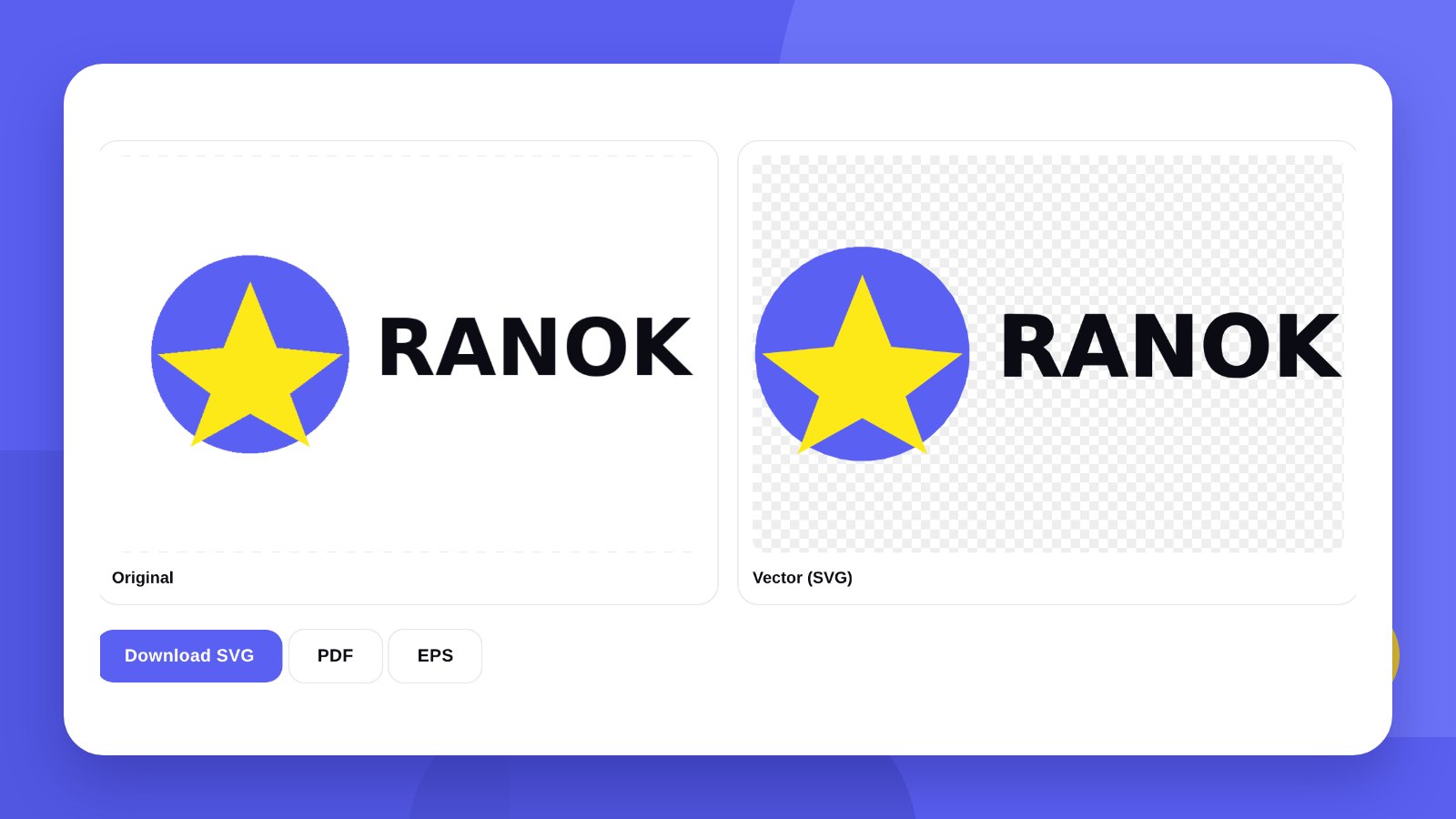
“Please send the logo in vector” is the sentence that makes half of all business owners start looking for their old designer. The AI or CDR file is long gone; what is left is a PNG from the website or a screenshot. For a sign, printed bags, embroidery or engraving that is not enough: a picture made of pixels cannot be enlarged without jagged edges.
You can vectorize a logo for free and without a graphics editor. Our tool does it in the browser in a few seconds and gives you an SVG file that opens in Illustrator, Figma, CorelDRAW and Inkscape.
- The tool is free, with no sign-up and no watermarks. The file is processed in your browser and is not sent anywhere.
- Gradients are kept as a smooth colour transition, not as a hundred stripes.
- If an identical font is found for the lettering, the letters are replaced with its exact outlines.
BasicsHow vector differs from a picture
PNG and JPG are made of pixels – small coloured squares. A 500 × 500 px logo stretched across a two-metre sign turns into a mosaic.
Vector describes the same shapes with lines and curves: “a circle of this radius, filled with this colour”. It can be enlarged to the size of a building and the edges stay sharp. That is why print shops, sign makers, embroidery workshops and laser engravers ask for vector.
| Task | Raster (PNG, JPG) | Vector (SVG, PDF, EPS) |
|---|---|---|
| Website, social media | Fine | Fine |
| Business cards, flyers | Only at a large size | Better |
| Sign, banner | Not suitable | Required |
| Plotter cutting, stickers | Not suitable | Required |
| Embroidery, engraving | Not suitable | Required |
| Printing on clothing and merchandise | Not suitable | Required |
How-toHow to vectorize a logo: 3 steps
- Upload the logoOpen the Logo to vector tool and upload a PNG or JPG. The larger and sharper the file, the more accurate the vector.
- Adjust the resultNumber of colours, level of detail, gradient smooth or in bands.
- Download the fileSVG, PDF or EPS. The file opens in Illustrator, Figma, CorelDRAW and Inkscape.
InsideHow vectorization works
The tool finds the border of every shape, even when neighbouring colours are very close. Straight sections are built as exact straight lines with crisp corners, rounded ones as smooth curves. Similar shades merge into one colour, and JPG compression noise is removed.
The result is not a “traced picture” with thousands of points but tidy outlines that a designer or a print shop can edit.
Number of colours. If the colours came out wrong or merged, increase the number. If stray spots appeared, reduce it.
Detail. Higher is for small elements and thin lines. Lower is for simple marks: the outlines will be cleaner.
GradientsWhat happens to gradients
Most free vectorizers turn a gradient into dozens of coloured stripes: the file gets heavy and the transition looks stepped.
Our tool recognises shapes with a gradient and keeps them as a true smooth colour transition – the way a designer would build it in an editor.
Some jobs need the opposite. An embroidery machine, a plotter or screen printing cannot reproduce a smooth transition. Untick “Smooth gradients” and the gradient is split into even bands of shades, each of which can be cut or stitched as a separate colour.
LetteringWhat happens to the font
Letters are the hardest part of automatic vectorization: in a small picture they are blurred, and the outline comes out “crumpled”.
So the tool takes one more step: it reads the lettering and looks for the font. If a practically identical Google Fonts typeface is found, the letters are replaced with its exact outlines – perfectly even, as in the original artwork. You can switch this off if the lettering in your logo is hand-drawn.
In the finished file the text is already converted to outlines: it looks the same on any computer and needs no installed font. You can find the name of the font separately in the Font finder tool.
HonestlyWhen an automatic vector is not enough
Vectorization works best with simple logos that have clear shapes. There are cases where software will not replace a designer.
- A small or blurry pictureIf the logo is 150 px wide, the detail simply is not there – software cannot invent it.
- Photos and complex illustrationsShadows, textures, volume. The vector comes out heavy and inaccurate.
- Thin lines and small textA tagline in small type under the logo often merges into a blur.
- Large format and embroideryOn a sign three metres wide every bump shows. This is a job for a manual redraw.
Software traces pixels; a designer rebuilds the shape: even curves, exact corners, the font restored. If you need the logo for a sign or a large print run, send it to us for a look – we will first tell you whether your file can be restored.
FormatsThe print shop wants PDF, EPS or AI, not SVG
The tool gives you three files at once: SVG, PDF and EPS – enough for most print shops. If a contractor asks for AI, the finished SVG can be converted in a minute in the vector file converter – vector stays vector.
And so that you never have to come back to this, collect every version of the logo in one go: in the Brand kit tool a single uploaded file becomes a vector, avatars, a favicon and a mini brand book.
Open the finished SVG and zoom in ten times. If the edges are even and the letters are clean, the file is ready to hand over.
FAQFAQ
Is the tool really free?
Yes. No sign-up, no watermarks and no limit on the number of files.
Will gradients be kept?
Yes. The tool keeps them as a smooth colour transition. If you prefer, a gradient can be split into even bands – handy for embroidery or plotter cutting.
What happens to text in the logo?
If an identical Google Fonts typeface is found, the letters are replaced with its exact outlines. In the file the text is converted to outlines.
Which file should I upload?
The largest and sharpest you have, ideally a PNG on a transparent or white background.
What opens an SVG?
Adobe Illustrator, CorelDRAW, Figma, Inkscape. You can preview it in any browser.
Can I vectorize a photograph?
Technically yes, but the result will be heavy and inaccurate. The tool is built for logos and simple graphics.
Is my logo uploaded to a server?
No. The file is processed in your browser and is not sent anywhere.
What if the vector came out uneven?
Try a larger source file and change the detail level. If that does not help, the logo should be redrawn by hand.
You get every format – vector for print and files for screens – and visualisations on real items as a gift.
Convert to vectorOrder a logoHigh quality
Years of experience let us take on projects of any complexity
Individual approach
Every client is unique. We create a unique concept for each of them
Professionals
Everyone on our team has extensive experience in advertising, development and design
Fast turnaround
Logo design takes 2–8 business days
GET IN TOUCH
Message us on Telegram, Instagram or by email – we reply quickly and gladly.