
Corporate calendar with logo: types, sizes and layout
A calendar with your logo hangs in a client’s office all year – the longest advertising for the least money. Which calendar to choose, which sizes to give the printer and how to make the layout yourself.
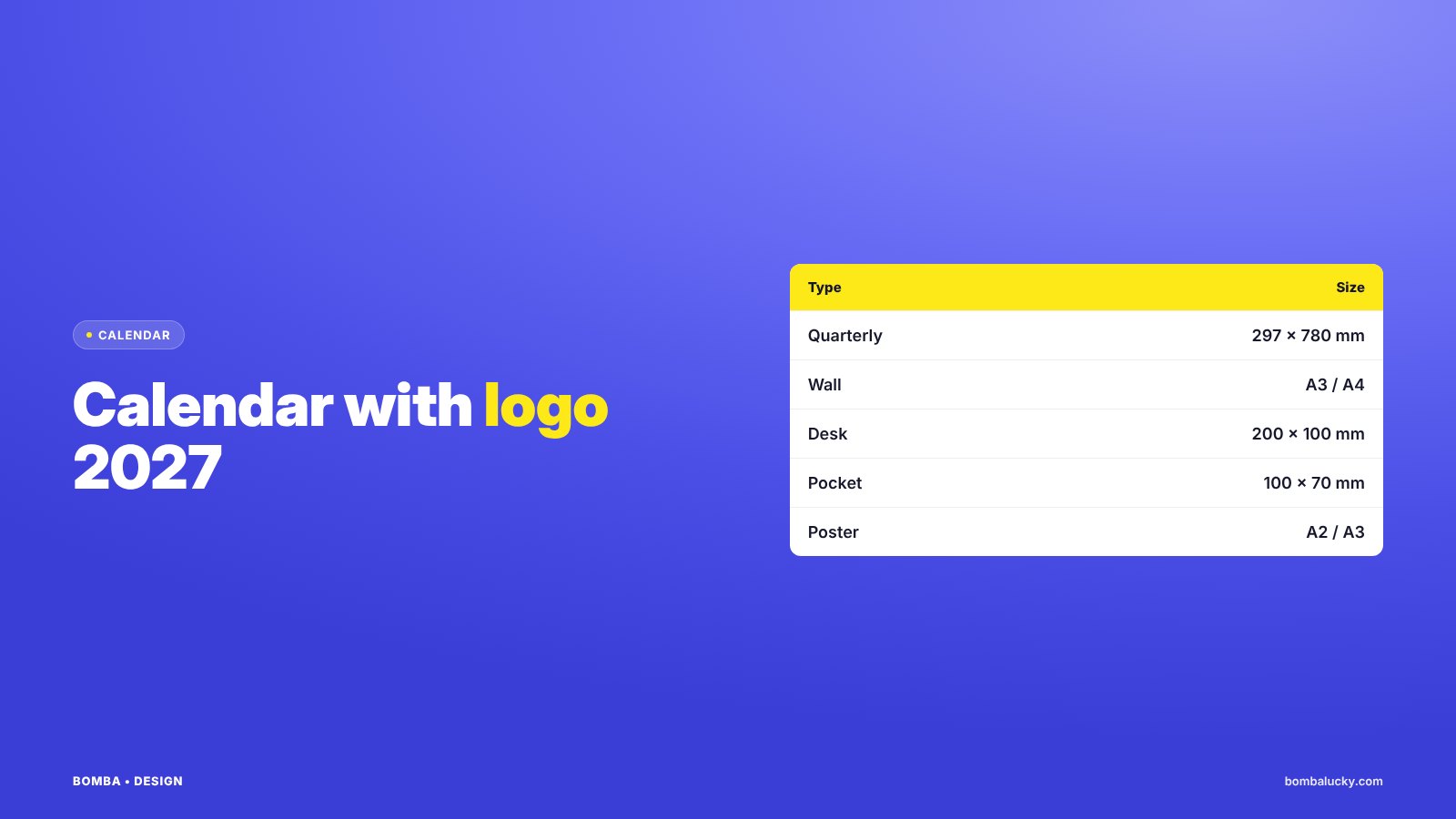
A corporate calendar is a gift people keep. Clients look at it every day and see your logo, phone and website next to the date. To work, a calendar must be convenient, beautiful and on brand.
- For client offices a quarterly calendar works best, for desks – a tent calendar.
- Put the logo and contacts on the header – it stays visible all year.
- Printers need a PDF with 2–3 mm bleed and CMYK colours.
ChoiceWhich calendar to choose
| Type | Size | Best for |
|---|---|---|
| Quarterly (3-month) | header 297 × 210 mm, pads 297 × 145 mm | offices, partners, suppliers |
| Wall flip calendar | A3 or A4, 12–13 sheets | clients who love photos and illustrations |
| Desk tent calendar | 200 × 100 mm or 210 × 145 mm | desks, reception |
| Pocket calendar | 100 × 70 mm | handouts at events |
| Year planner poster | A2 or A3 | warehouses, production, shops |
ContentWhat to put on a calendar
- Logo – on the header, in vector for sharp print.
- Contacts – phone, website or a QR code.
- Brand colours – header background, weekends, accents.
- Holidays – public and industry dates.
- One message – a slogan or offer, not a price list.
A calendar is not a flyer. It is seen every day, so less text and more space for dates.
GuideHow to make a calendar layout yourself
- Open the makerGo to the free calendar maker.
- Choose the year and typeFrom the current year up to ten years ahead.
- Add logo and coloursUpload your logo, set brand colours.
- Add a QR codeMake it in the QR code with logo generator.
- Save a print PDFAnd check it with the print-ready file tool.
PrintWhat the printer needs
- PDF with 2–3 mm bleed on each side.
- CMYK colours, logo in vector.
- Important elements at least 5 mm from the edge.
- Separate files for the header and pads of a quarterly calendar.
- Order printing before the end of November: printers are overloaded in December.
FAQFrequently asked questions
What size is a quarterly calendar?
The most common format: a 297 × 210 mm header and three 297 × 145 mm advertising pads, about 780 mm tall assembled.
What should a corporate calendar include?
Logo, contacts or a QR code, brand colours and holidays. Do not overload it with text.
When should I order corporate calendars?
Prepare the layout in October–November and order printing before the end of November.
Can I make a calendar layout for free?
Yes. In the BOMBA DESIGN calendar maker choose the year, add your logo and colours and download a print PDF.
We will design your corporate calendar and prepare print-ready files.
Make a calendarOrder designHigh quality
Years of experience let us take on projects of any complexity
Individual approach
Every client is unique. We create a unique concept for each of them
Professionals
Everyone on our team has extensive experience in advertising, development and design
Fast turnaround
Logo design takes 2–8 business days
GET IN TOUCH
Message us on Telegram, Instagram or by email – we reply quickly and gladly.