
How to open CDR, AI and EPS without the software and convert vector files for free
The logo file exists, but there is nothing to open it with. Which vector formats there are, how to convert one into another in the browser and how to check that a vector is really a vector.
There are many vector formats, and each program prefers its own. CorelDRAW saves CDR, Illustrator saves AI, web designers work with SVG, and print shops most often ask for PDF or EPS. As a result the logo file exists, but there is nothing to open it with.
You do not need to buy software for the sake of one file. A vector file can be converted to another format in the browser for free – so that curves stay curves and do not become a picture.
- PDF is the most universal format: any computer opens it and almost every print shop accepts it.
- A real conversion carries over curves, fills and gradients. If the file is simply “photographed”, it is no longer vector.
- Before sending to print, text must be converted to outlines.
ReferenceWhich vector formats there are
| Format | Where it comes from | What opens it |
|---|---|---|
| SVG | Web design, Figma, Inkscape | Any browser |
| Universal | Any device | |
| AI | Adobe Illustrator | Illustrator; modern AI files are read as PDF |
| EPS | The old print-shop standard | Illustrator, CorelDRAW, Inkscape |
| CDR | CorelDRAW | CorelDRAW, partly Inkscape |
How-toHow to convert a vector file: 3 steps
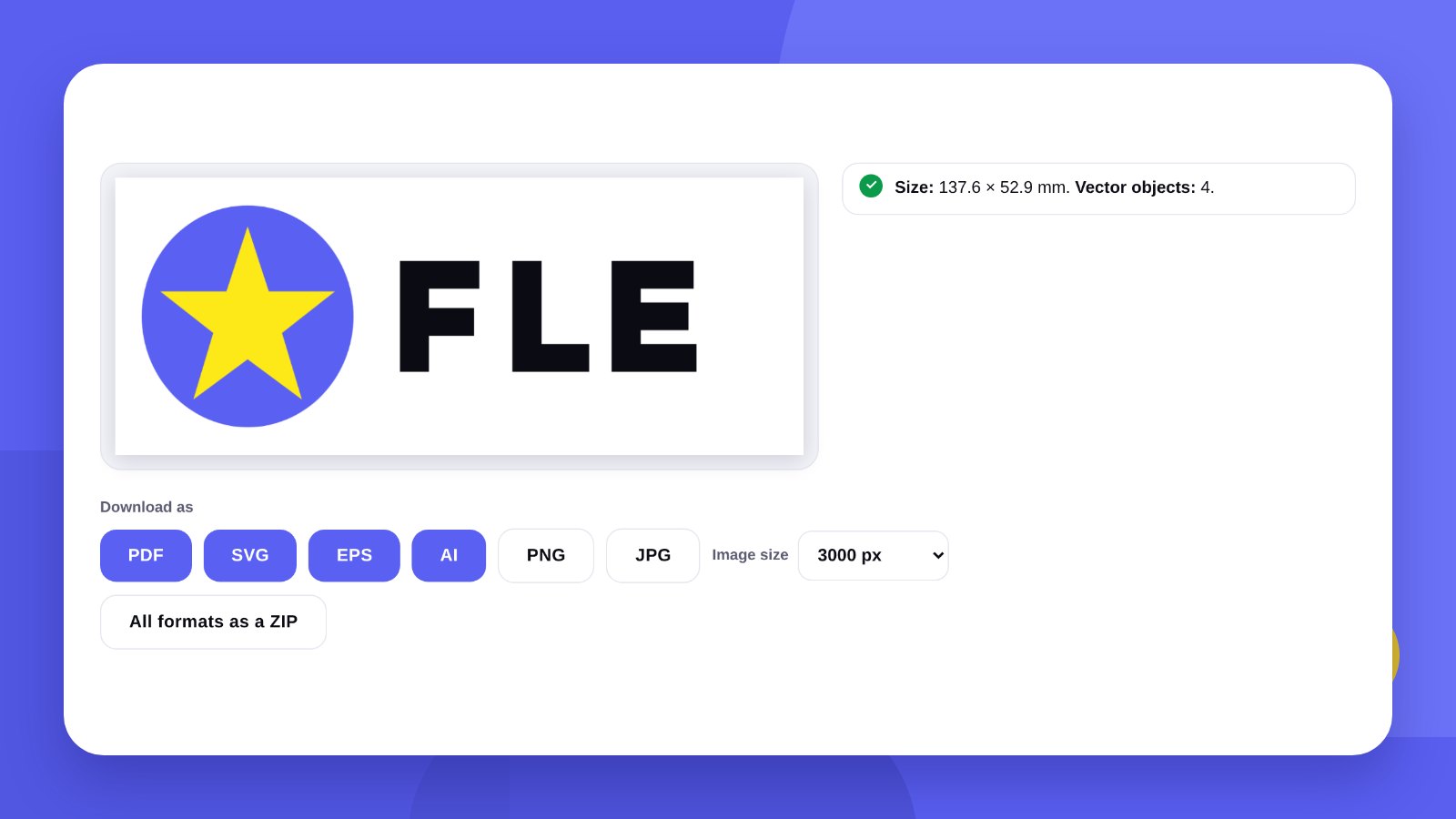
- Upload the fileOpen the Vector file converter and upload a CDR, SVG, PDF or AI. The tool shows how many vector objects the file contains.
- Check the warningsText not outlined, raster inserts, transparency – everything is visible at once.
- Choose the formatPDF, SVG, EPS, AI, PNG, JPG, or all of them in one archive.
The tool is free and works without sign-up. The file is processed in your browser and is not sent anywhere – important for artwork that has not been published yet.
CorelDRAWHow to open CDR without CorelDRAW
CDR is a closed format, and only CorelDRAW understands it fully. Still, there are options.
An online converter. Upload the CDR and save it as PDF or SVG. In our tool CDR support works in test mode: simple logos and layouts with curves, fills and gradients are carried over; complex effects may be lost. Be sure to compare the result with the original.
Inkscape. The free vector editor opens some CDR files, especially older versions.
Ask the author. The most reliable way: whoever created the file can save it as PDF in a minute. Ask straight away for “a PDF with outlined text”.
QualityHow to check that a vector is really a vector
- Zoom in ten timesOpen the file and zoom in on the edge of a letter. An even line is vector. Jagged steps and blur mean a picture inside the file.
- Look at the sizeA vector logo usually weighs tens of kilobytes. Several megabytes are a sign of a raster insert.
- Check the textIf the text is not outlined, the font will be substituted on another computer. The tool warns about this.
- Count the objectsThousands of tiny objects in a simple logo mean it was once traced automatically.
PrintWhich format to ask for and to hand over
Print shop. A PDF with outlined text suits almost always. EPS is requested less often, mostly for older equipment.
Signs and plotter cutting. Often CDR or EPS – check with the manufacturer.
Website. SVG: it is sharp on any screen and weighs little.
Social media and documents. PNG on a transparent background. It can also be saved from vector at the size you need.
If there is no vector at all and you only have a picture, first use the Logo to vector tool.
ImportantA converter changes the format, not the quality
If a logo was once traced automatically, it contains thousands of unnecessary points and uneven curves. Converting to another format will not fix that: on a sign, in embroidery and in large-format print the unevenness will show.
In that case the logo is redrawn cleanly: a designer rebuilds the shape and hands over every format in one package.
HonestlyThe converter does not fix a logo. We do
The tool changes the file format and redraws nothing: an uneven vector stays uneven, a raster insert stays a picture. CDR support works in test mode, so compare the result with the original.
If the logo file is lost, damaged or was once traced automatically, we will redraw it cleanly and hand over every format in one package. And if the logo is out of date, we will design a new one: logo design.
Keep the logo in at least two formats: a PDF with outlined text for print and an SVG for the website. Then most contractor requests are covered without a designer.
FAQFAQ
What opens a CDR file?
CorelDRAW, partly Inkscape. Without the software, convert CDR to PDF online and open it on any device.
How do I convert CDR to PDF for free?
Upload the file to the converter and choose PDF. CDR support works in test mode, so compare the result with the original.
Will the vector be kept after conversion?
Yes. The tool carries over curves, fills, strokes and gradients; it does not take a snapshot of the file.
Can I convert SVG to EPS or AI?
Yes. SVG is saved as PDF, EPS, AI, PNG and JPG.
Can I make a vector from a JPG in this converter?
No, the converter works with vector files. There is a separate vectorization tool for pictures.
Is it safe to upload artwork?
Yes. The file is processed in your browser and is not sent anywhere.
We will redraw the logo cleanly or design a new one. Every format in one package.
Convert a fileOrder a logoHigh quality
Years of experience let us take on projects of any complexity
Individual approach
Every client is unique. We create a unique concept for each of them
Professionals
Everyone on our team has extensive experience in advertising, development and design
Fast turnaround
Logo design takes 2–8 business days
GET IN TOUCH
Message us on Telegram, Instagram or by email – we reply quickly and gladly.